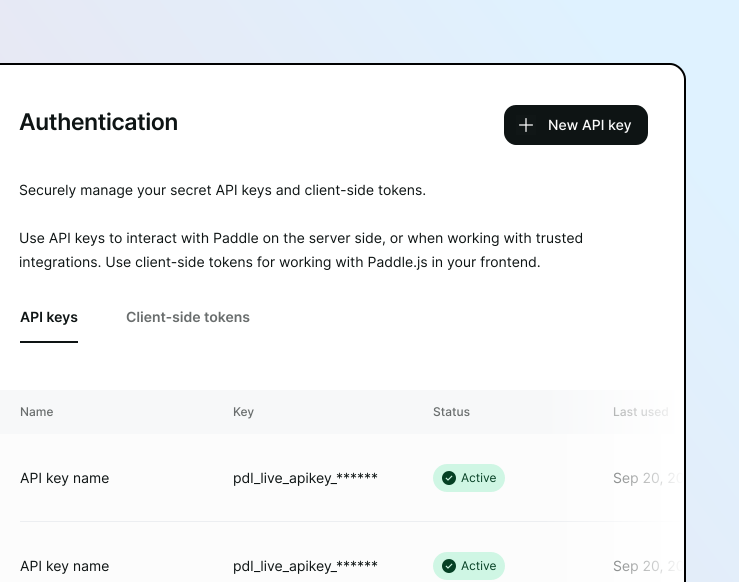
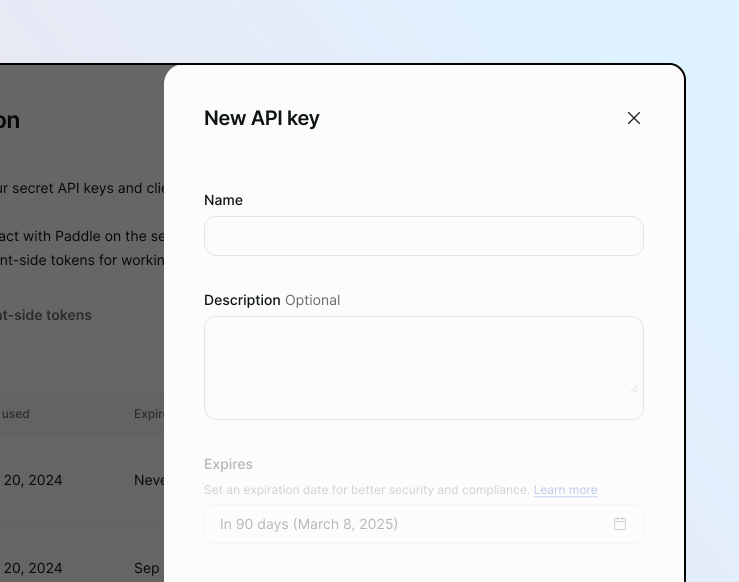
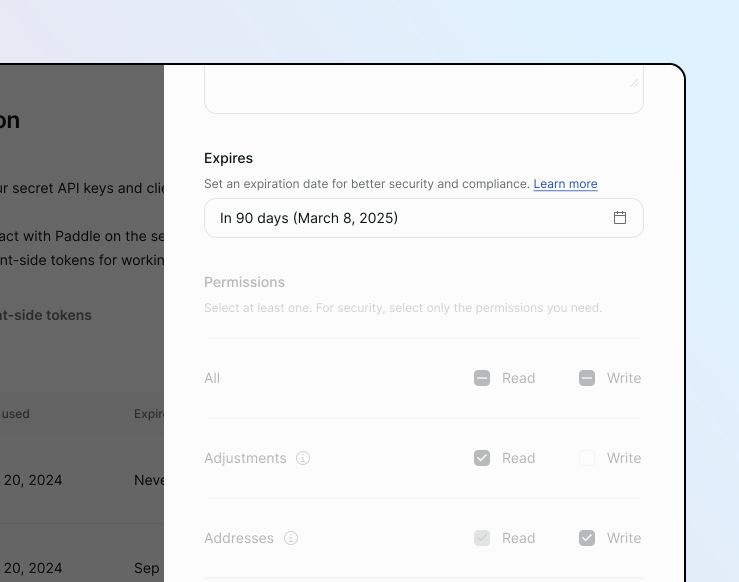
Create API key and Client token Create in the dashboard Go to Paddle > Developer Tools > Authentication.Click the API keys tab.Click New API key Add preliminary details Enter a nameThis should be a human-readable name that you can use to uniquely identify this key.Add a descriptionThis should be a human-readable description of the API key that has details about what the API key is used for and where. Set an expiry date Click the Expires on field.Choose a date in the future. The default is 90 days from the date of creation if untouched. Set permissions Review the permissions reference guide to understand the permissions you need to assign to the API key.Select only the permissions needed. Select All if your key needs either read or write access to all entities. Save the API key Click Save when you’re done.The API key is created and displayed on the page. It’s only visible once. Store it securely. More details: https://developer.paddle.com/api-reference/about/api-keys#add-preliminary-details